
 Jordon Davis
What to Look for When Choosing a Utility Billing System
There are hundreds of utility billing systems on the market, and narrowing that down to one can feel paralyzing. If you're worried about picking the wrong one, you're in good company — most entities go through the same uncertainty.
Here's a practical guide to working through that decision without getting lost in vendor pitches.
1. Write Down Your Actual Requirements
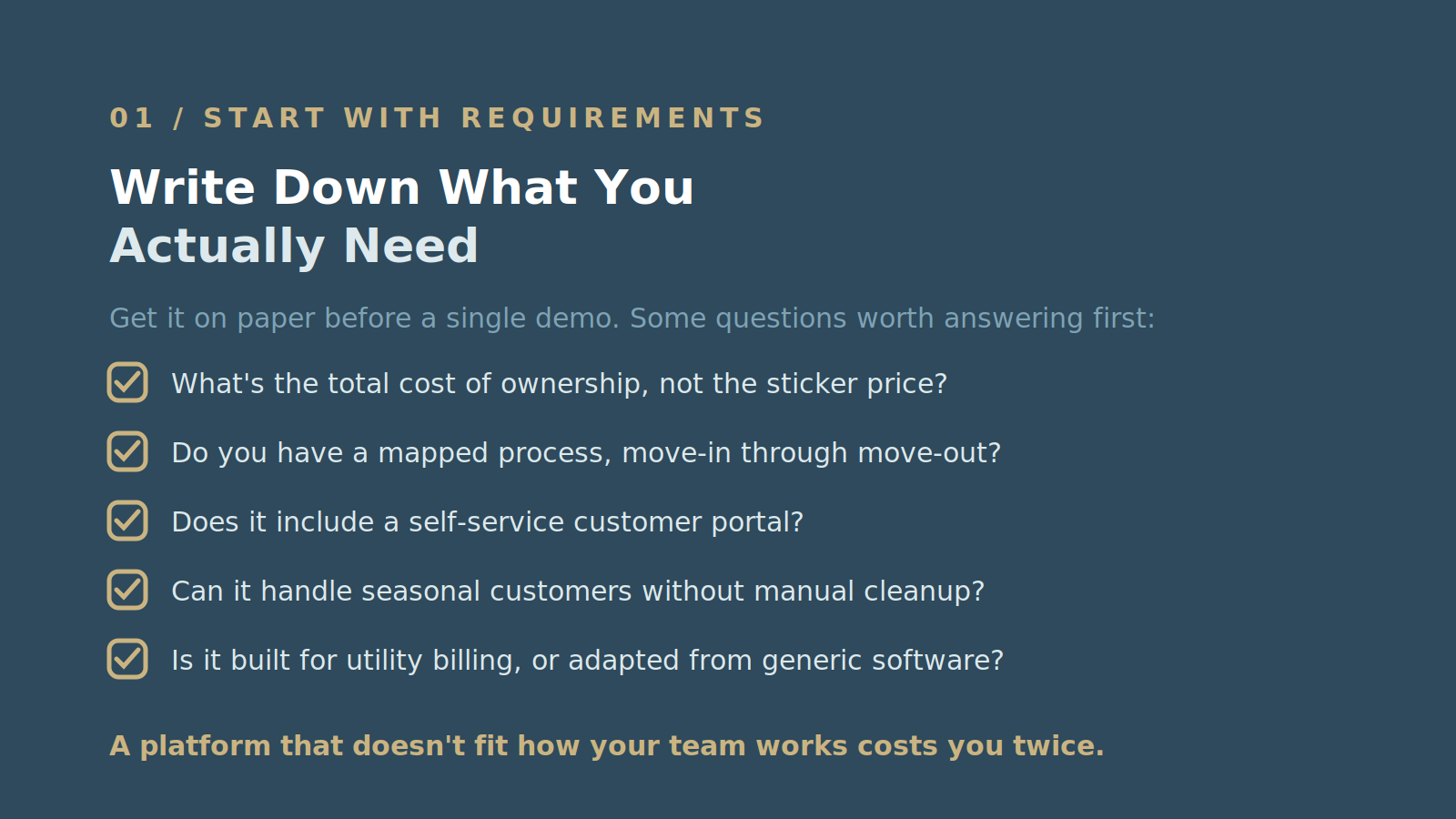
Before you look at a single demo, get your requirements on paper. It's easy to lose track of what you actually need once vendors start showing you features you didn't know existed.
Some questions worth answering first:
- What's the total cost of ownership, not just the sticker price?
- How much time can your staff realistically commit to training?
- Do you have a mapped billing process from move-in through move-out?
- How does your team currently handle incoming calls, and how should a new system support that?
- Does the system include a self-service customer portal?
- Can it handle seasonal customers — turning billing on and off periodically without manual cleanup?
- Is it built specifically for utility billing, or adapted from general-purpose software?
- Does it support multiple payment options?
These overlap heavily with the most common challenges utilities run into when their current system falls short — worth reviewing alongside your list.

It's also worth asking who on your team will actually use the system day to day, and what they'd want in it. A platform that doesn't fit how your team already works costs you twice: once in the purchase, and again in the friction of forcing it to fit.
2. Plan For Your Current Needs and Your Future Ones
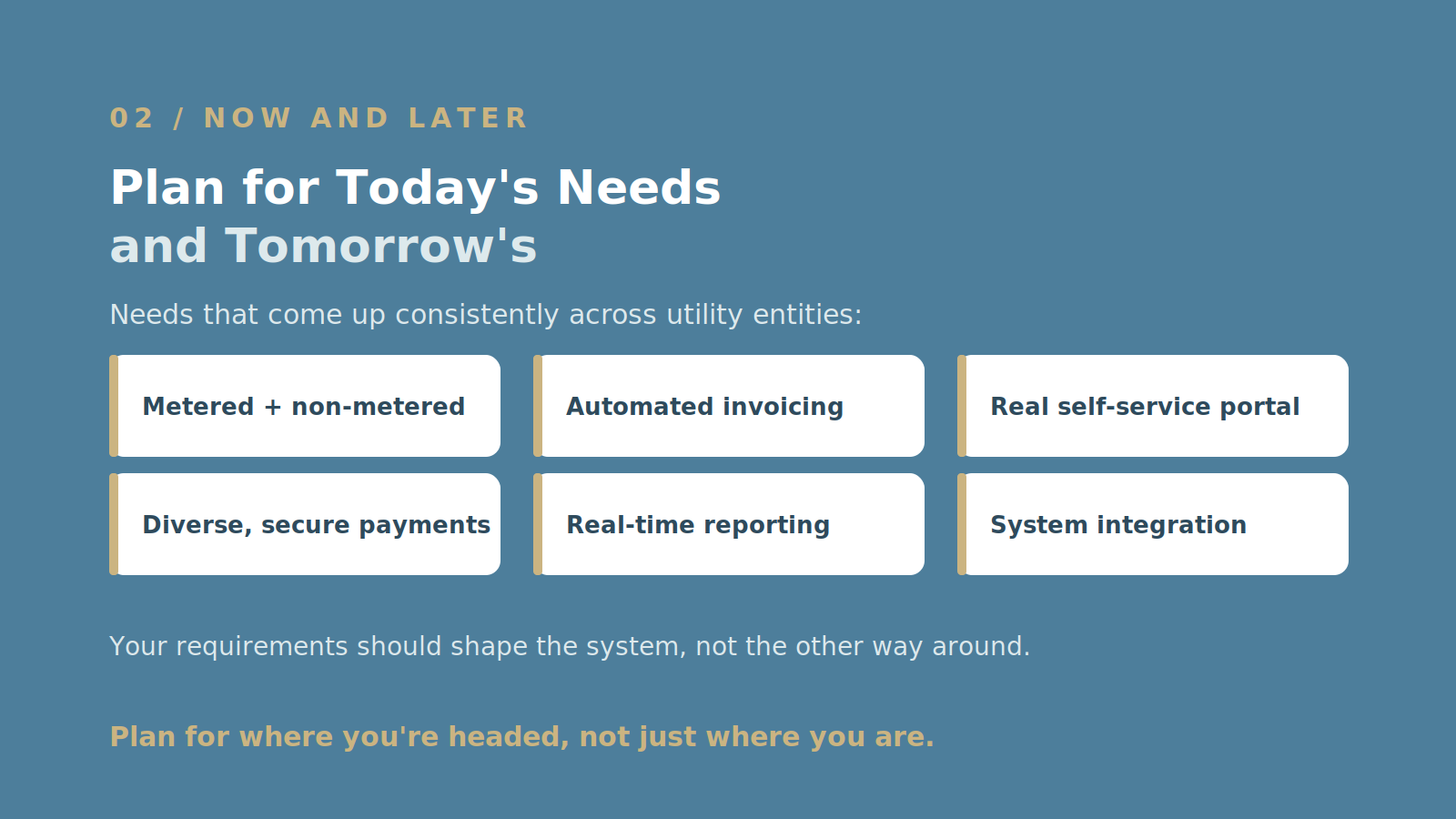
Not every system built to "do utility billing" is built for your specific scale. Some are designed for small operations; others assume a much larger customer base. Your requirements should shape which system you choose — not the other way around.
A few needs that come up consistently across utility entities:
- Accurate metered and non-metered billing. The system should track usage precisely enough, for every customer and parcel, to generate correct bills without manual correction.
- Automated, accurate invoicing. If your platform can't generate invoices from usage data on its own, your team is spending time on something modern software should handle automatically.
- A real customer self-service portal — one that shows account details and billing history, not just a payment form.
- Secure, diverse payment support. Online payment, direct debit, and traditional checks should all be options, backed by industry-standard security either built in or through an audited payment partner.
- Real-time reporting. Detailed, current data on usage, payments, and account activity — usable by your team for support, billing, and financial planning without a manual pull.
- Integration with your other systems. Accounting, CRM, and operational software all need to talk to your billing platform, or you're maintaining the same data in multiple places.
This is a significant, long-term investment. Planning for where your operation is headed — not just where it is today — pays off well past the initial purchase.
3. Evaluate How the Software Actually Works, Not Just What It Claims To Do
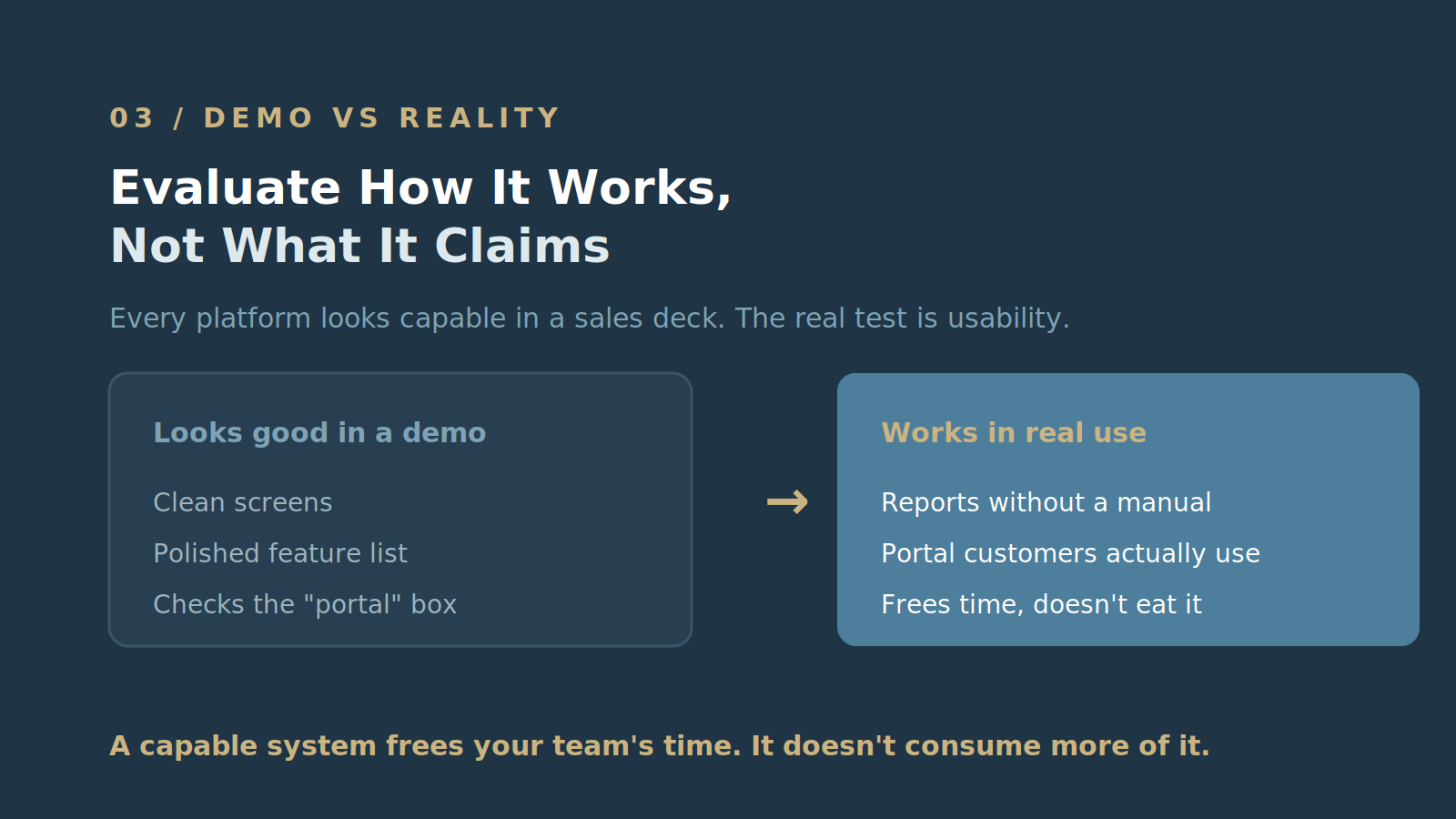
Every platform looks capable in a sales deck. The real test is usability — for your team and your customers.
- Is it genuinely easy to navigate, or does it just look clean in a demo?
- Can your staff generate reports and invoices without a manual?
- Is the customer portal actually easy for your customers to use, or does it just check the box of "having one"?

A capable system should make the time your team spends in it more focused, productive, and valuable. Utility billing will always require people to review data, identify potential issues, verify billing information, and make decisions that protect accuracy. The goal isn't to eliminate that work. It's to make sure your team is spending its time on the work that requires their expertise — not manually searching for information, reconciling disconnected data, or trying to determine whether the information they are looking at can be trusted.
Instead of spending hours finding and validating information, your staff should be able to quickly identify meaningful exceptions, review the underlying data, and make corrections that improve billing accuracy and customer outcomes.
Beyond your specific requirements, a few less obvious but important questions:
- How much will the system flex to fit your existing processes, versus how much will your processes have to change to fit it?
- Is the infrastructure built for security, redundancy, and resilience?
- What does ongoing customer support actually look like once you're a client, not just during the sales process?
- How involved is implementation, and how much support comes with it?
- Are there tasks currently consuming your team's time that could be automated or simplified so employees can focus on reviewing information, resolving exceptions, and improving outcomes?
A system missing any of the fundamentals above tends to show up later as billing inaccuracies and operational friction — problems that are much more expensive to fix after the fact than to catch during evaluation.
4. Compare the True Cost, Not the Quoted Price
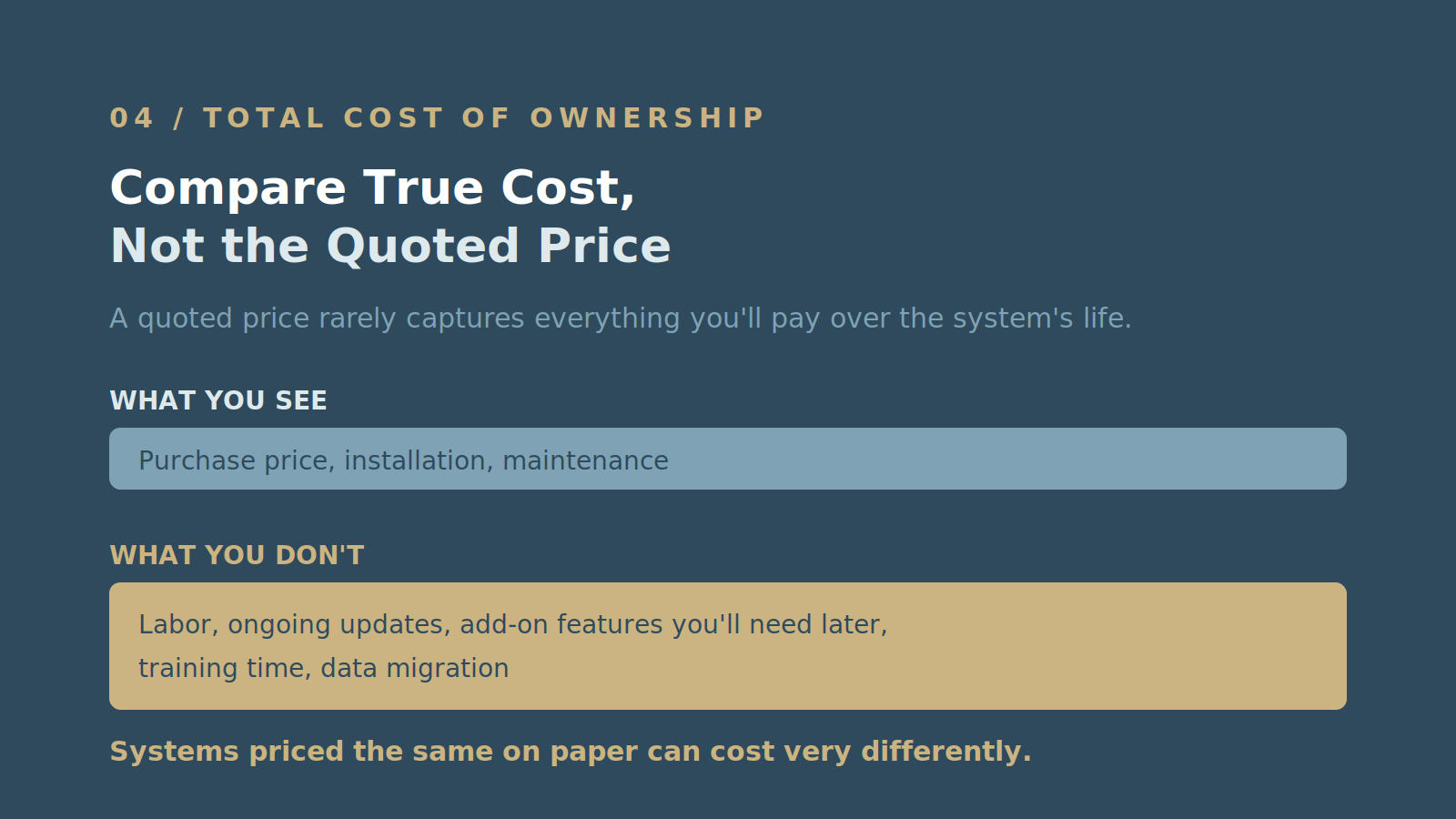
Systems priced similarly on paper can cost very differently once you account for what's actually included. A quoted price rarely captures everything you'll pay over the system's lifetime.
That's where Total Cost of Ownership (TCO) comes in — the full picture of what a system costs, not just what it costs to buy. TCO includes the obvious line items (purchase price, installation, maintenance) as well as the ones organizations tend to underweight: labor, ongoing updates, and add-on features you'll likely need later. How to Compare Utility Billing System Costs walks through how to build that comparison properly.
5. Ask For References
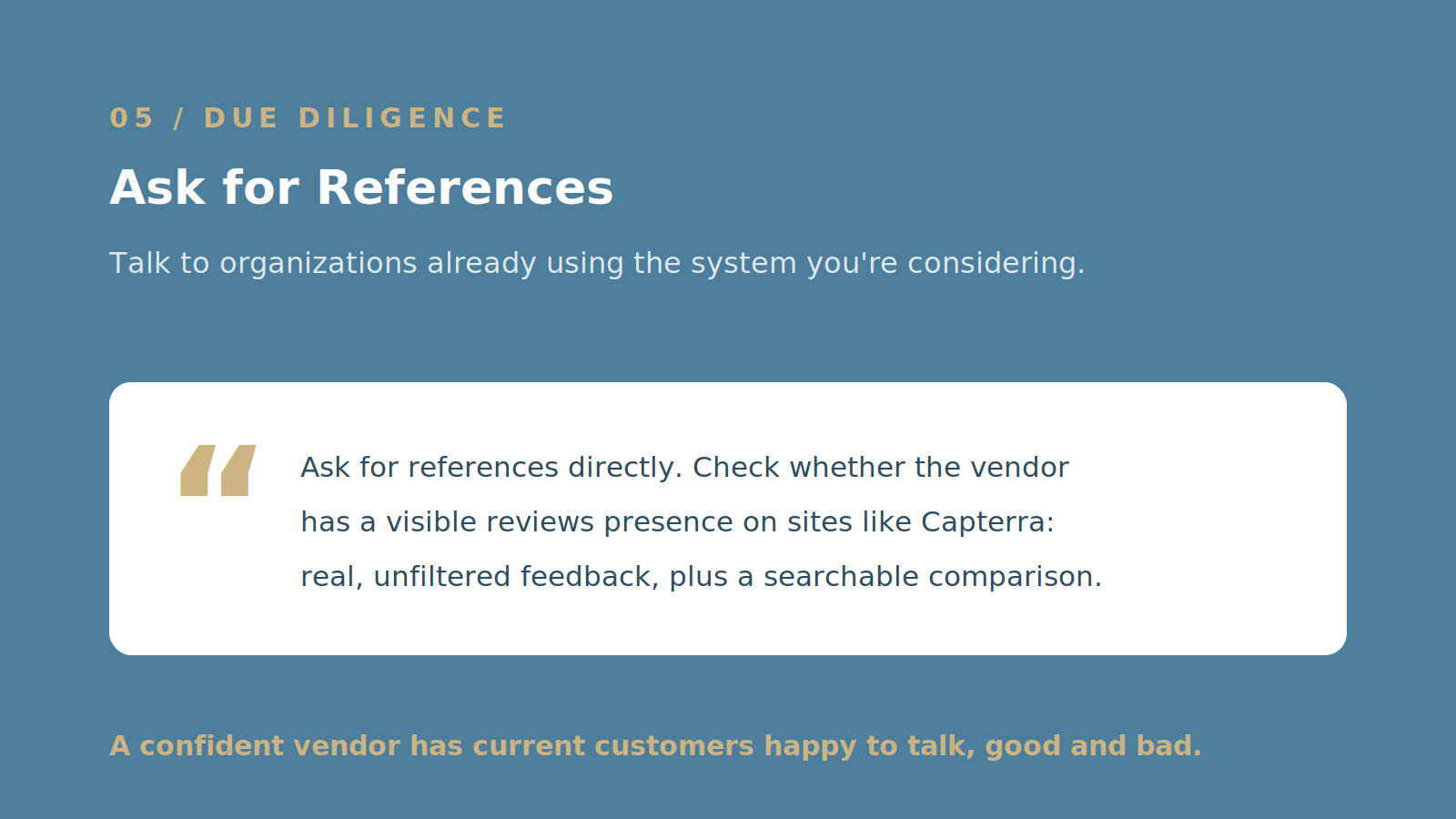
Talk to organizations already using the system you're considering. Ask for references directly, and check whether the vendor has a visible reviews presence — sites like Capterra offer real, unfiltered feedback alongside a searchable comparison of options. A vendor confident in their product will have current customers happy to talk about their experience, good and bad.
6. Request a Demo
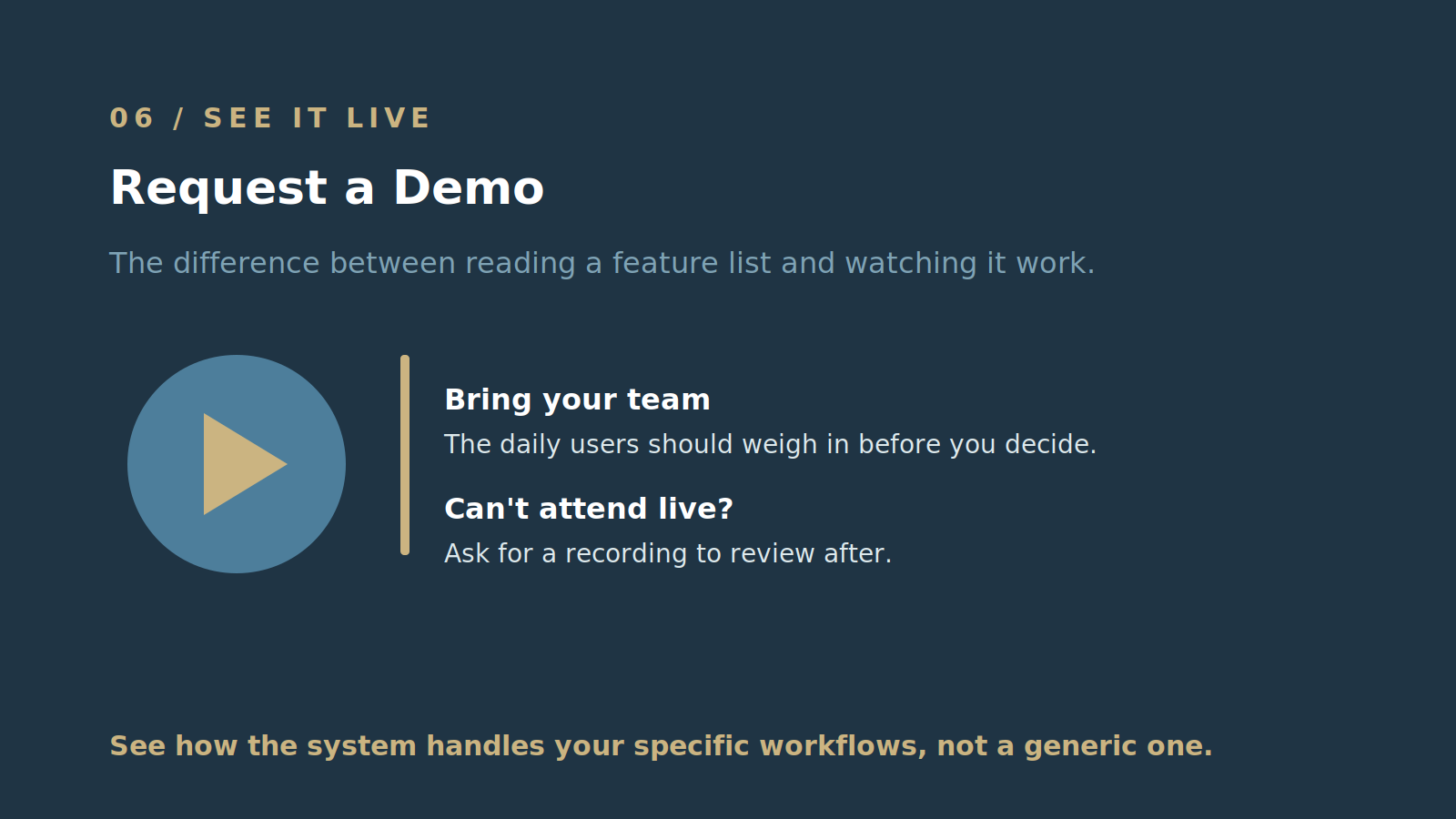
Before committing, see the platform in action with a demo. A demo is the difference between reading a feature list and watching how the system actually handles your specific workflows.
Bring your team if you can — the people who'll use the system daily should weigh in before the decision is final. If someone can't attend live, ask whether the session can be recorded so they can review it after.
Choosing a utility billing system is a significant, long-term decision, and no platform is perfect for every organization. What matters is finding the one that's right for yours — built around your requirements, usable by your team, and priced honestly once you account for the full cost of ownership. Don't settle for a system that almost fits. The right one is out there, and a clear process gets you to it faster.

Schedule a personalized live demo of the new MultiBilling platform today and explore how AI-driven workflow orchestration, operational intelligence, and governed automation can transforming your utility billing operations.